Maximizing Battery Life for Gaming Laptops in 2026: 4 Essential Tweaks
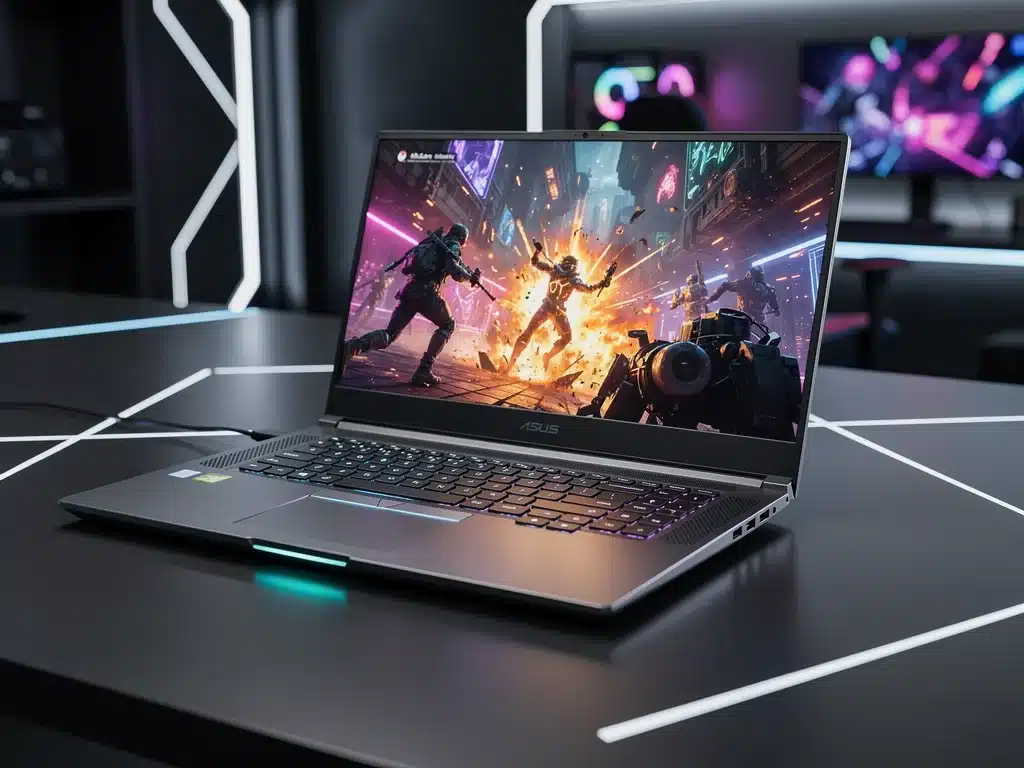
Maximizing gaming laptop battery life is a critical focus heading into 2026 as hardware demands increase.
This report delivers a direct, objective overview of the four essential software and hardware tweaks shaking up the industry, breaking down how these power-saving optimizations work, why they matter for mobile performance, and what battery technologies you need to monitor next.
The Evolving Landscape of Gaming Laptop Battery Life
The demand for extended gaming sessions away from a power outlet continues to drive innovation in the gaming laptop market.
As 2026 unfolds, manufacturers and software developers are introducing sophisticated solutions to address this perennial challenge.
Advertisements
Gamers increasingly expect their portable powerhouses to deliver not only peak performance but also significant endurance.
The balance between raw processing power and efficient energy consumption is becoming a crucial differentiator.
This article delves into four critical areas—two software-based and two hardware-centric—that are defining the future of gaming laptop battery life. Understanding these tweaks is essential for any serious mobile gamer.
Advanced Power Management Software
Optimizing power profiles through advanced software is a cornerstone of maximizing gaming laptop battery life. Modern operating systems and proprietary tools offer granular control over CPU, GPU, and display settings, directly impacting energy consumption.
These sophisticated applications often feature AI-driven algorithms that learn user habits and game demands, dynamically adjusting power delivery.
This intelligent approach ensures that performance is scaled appropriately, preventing unnecessary battery drain during less demanding tasks or specific game scenarios.
Implementing these software solutions effectively can yield substantial gains, pushing the boundaries of what’s possible for gaming laptop battery life. Users must engage with these tools to unlock their full potential.
Dynamic CPU/GPU Management Utilities
Third-party utilities and manufacturer-provided software suites now offer unparalleled control over processor and graphics card frequencies. These tools allow users to create custom power plans, throttling performance when raw power isn’t critical.
Intel’s Dynamic Tuning Technology (DTT) and AMD’s SmartShift are prime examples, intelligently allocating power between CPU and GPU based on workload.
For users focused on maximizing gaming laptop battery life, configuring these settings for efficiency is paramount.
- Custom Power Profiles: Create specific profiles for gaming, productivity, and low-power modes.
- Frequency Limiting: Cap CPU/GPU clock speeds to reduce heat and power draw.
- Voltage Undervolting: Carefully reduce voltage to components for efficiency gains.
- Integrated Graphics Prioritization: Automatically switch to integrated graphics for non-gaming tasks.
Display Refresh Rate and Resolution Control
The display is often one of the most power-hungry components in a gaming laptop. Modern panels with high refresh rates and resolutions, while visually stunning, consume significant energy.
Software solutions now allow for dynamic adjustment of display settings, providing a critical avenue for extending gaming laptop battery life.
This means automatically lowering refresh rates or resolutions when not actively engaged in high-fidelity gaming.
- Dynamic Refresh Rate: Automatically switch between 144Hz/240Hz and 60Hz.
- Resolution Scaling: Play games at 1080p instead of 1440p or 4K on battery.
- Brightness Optimization: Adjust screen brightness based on ambient light conditions.
- Panel Overdrive Settings: Disable overdrive when on battery power for marginal savings.
Optimized Background Processes and Connectivity
Beyond core hardware, the myriad of background applications and active wireless connections can silently drain a gaming laptop’s battery. Effective management of these elements is crucial for extending operational time.
Modern operating systems and specialized software provide robust tools for monitoring and restricting unnecessary processes. By taking control of what runs in the background, users can significantly reduce idle power consumption.
Furthermore, intelligent management of Wi-Fi, Bluetooth, and other wireless modules ensures they are only active when genuinely needed. This holistic approach contributes significantly to maximizing gaming laptop battery life.
Aggressive Background App Management
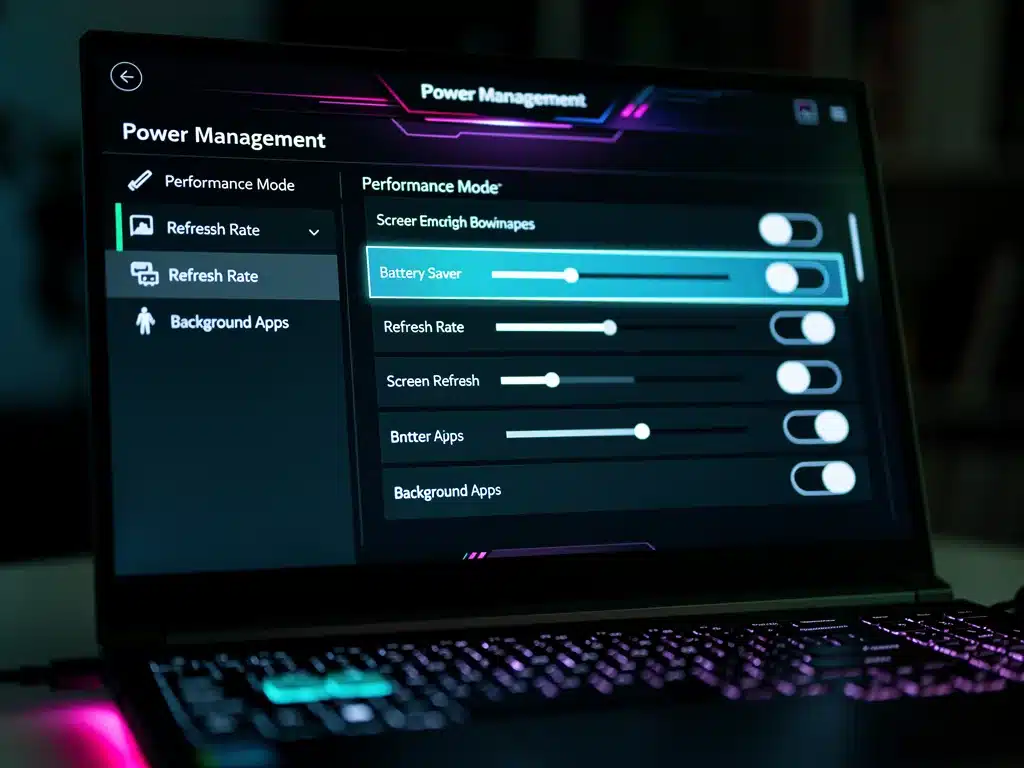
Windows 11 and other operating systems offer extensive controls over which applications can run in the background. Disabling unnecessary startup programs and limiting background activity can drastically improve battery performance.
Dedicated gaming modes often include features to suspend non-essential processes, dedicating resources and power to the active game. This focused optimization is key to maximizing gaming laptop battery life during critical moments.
Intelligent Wireless Connectivity Management
Wireless adapters for Wi-Fi and Bluetooth are constant power draws, even when not actively transmitting data. Modern drivers and system settings allow for more intelligent management of these components.
Features like Wi-Fi power saving mode and automatic Bluetooth disablement when no devices are connected can contribute to significant power savings. This proactive approach is vital for those aiming to maximizing gaming laptop battery life.
Hardware Innovations in Battery Technology
While software plays a crucial role, advancements in battery hardware itself are fundamental to achieving longer gaming sessions. The year 2026 sees continued evolution in cell chemistry and packaging.
Manufacturers are integrating higher energy density cells and more efficient power delivery systems into gaming laptops.
These improvements are not just incremental; they represent significant leaps in raw battery capacity and longevity.
Understanding these hardware trends helps consumers make informed purchasing decisions, ensuring their next gaming laptop is equipped for extended unplugged use.
This directly impacts the potential for maximizing gaming laptop battery life.
Higher Energy Density Battery Cells
Lithium-ion and emerging solid-state battery technologies are pushing the boundaries of energy storage within the same physical footprint. This allows for larger capacities without increasing laptop size or weight.
These advanced cells exhibit better thermal stability and charge retention, contributing to both longer runtimes and overall battery health.
The integration of these cells is a direct response to the demand for maximizing gaming laptop battery life.
Efficient Power Delivery and Charging Circuits
Beyond the cells themselves, the circuitry responsible for managing power flow and charging has become far more efficient. This reduces energy loss during conversion and delivery to components.
GaN (Gallium Nitride) based chargers and internal power regulators are becoming standard, offering faster, cooler charging and minimizing wasted energy.
These hardware improvements are silent heroes in the quest for maximizing gaming laptop battery life.
Cooling System Efficiency and Thermal Management
Heat is the enemy of battery life and performance. An efficient cooling system is not just about preventing thermal throttling; it’s also about optimizing power consumption. Components running cooler require less power to maintain performance.
Advanced thermal designs, including vapor chambers and larger fan arrays, coupled with intelligent fan control software, ensure optimal operating temperatures. This directly translates to more efficient power usage and extended battery life.
By keeping the CPU and GPU within ideal temperature ranges, the system avoids generating excess heat, which would otherwise be a drain on the battery.
This symbiotic relationship between cooling and power is vital for maximizing gaming laptop battery life.
Vapor Chamber and Advanced Heat Pipe Designs
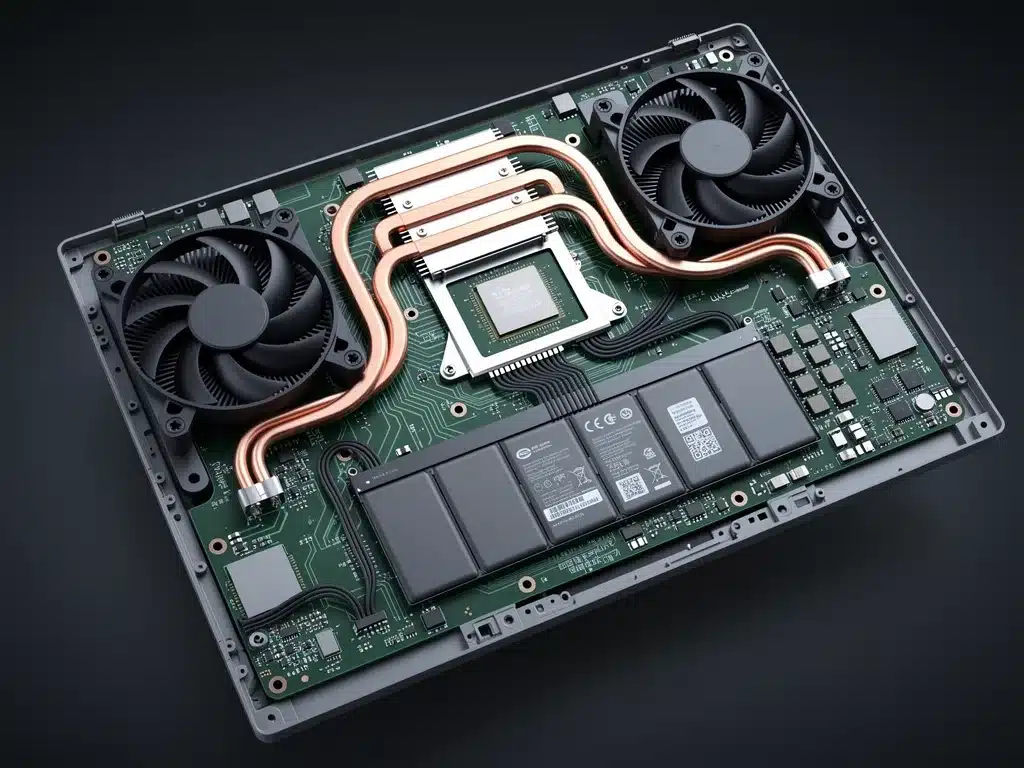
Gaming laptops in 2026 are increasingly featuring sophisticated cooling solutions like large vapor chambers and multiple heat pipes. These designs are significantly more effective at dissipating heat away from critical components.
Better heat transfer means processors and graphics cards can operate at lower temperatures, reducing the need for aggressive fan speeds and allowing for more stable performance at lower power states.
This is a direct contributor to maximizing gaming laptop battery life.
Intelligent Fan Control and Dust Management
Smart fan control algorithms adjust fan speeds precisely to match the thermal load, minimizing noise and power consumption when full cooling isn’t required. These systems learn and adapt to usage patterns.
Furthermore, features like self-cleaning fan designs and easily accessible dust filters help maintain cooling efficiency over the laptop’s lifespan.
Keeping the cooling system unobstructed is crucial for sustained performance and for maximizing gaming laptop battery life.
Future Trends in Gaming Laptop Power Management
Looking beyond the immediate horizon, the integration of machine learning and AI will play an even larger role in optimizing gaming laptop battery life. Predictive analytics will anticipate usage patterns and adjust power settings proactively.
New materials and manufacturing processes for batteries promise even greater leaps in energy density and charge cycles. The focus will shift towards not just capacity, but also longevity and environmental sustainability.
These emerging technologies promise to continually redefine what’s possible for mobile gaming, ensuring that the quest for maximizing gaming laptop battery life remains a dynamic and exciting field of innovation.
| Key Optimization | Brief Description |
|---|---|
| Advanced Power Software | Dynamic CPU/GPU management and display settings for efficiency. |
| Background Process Control | Limiting unnecessary apps and intelligent wireless management. |
| Battery Hardware Innovations | Higher energy density cells and efficient power delivery circuits. |
| Enhanced Cooling Systems | Vapor chambers and smart fan control for thermal efficiency. |
Frequently Asked Questions on Gaming Laptop Battery Life
The most effective software tweak involves dynamic CPU/GPU management and display refresh rate control. Utilizing manufacturer-provided utilities to create custom power profiles that throttle performance and lower display refresh rates when unplugged significantly extends runtime, directly impacting gaming laptop battery life.
Hardware advancements in 2026 primarily involve higher energy density battery cells and more efficient power delivery circuits. These innovations allow laptops to store more power in a smaller space and reduce energy waste during operation, fundamentally improving gaming laptop battery life.
Both undervolting and underclocking can save battery. Undervolting reduces the voltage supplied to components, decreasing heat and power consumption without necessarily sacrificing performance. Underclocking directly reduces clock speeds. Combining both, especially undervolting first, offers the best balance for maximizing gaming laptop battery life.
Yes, aggressive background app management can significantly impact battery life. Numerous applications and processes often run in the background, consuming CPU cycles, RAM, and network bandwidth. Disabling or limiting these non-essential processes frees up resources and reduces overall power draw, directly extending gaming laptop battery life.
Efficient cooling plays a critical role. When components run cooler, they operate more efficiently and draw less power. Advanced cooling systems prevent thermal throttling and reduce the energy needed to dissipate heat, thereby contributing substantially to maximizing gaming laptop battery life and overall system stability.
Looking Ahead: Sustained Power for Mobile Gaming
The continuous push for Maximizing Battery Life for Gaming Laptops in 2026: 4 Essential Software and Hardware Tweaks underscores a fundamental shift in mobile gaming expectations.
The strategies outlined, from intelligent software controls to cutting-edge hardware, are not isolated solutions but interconnected elements of a comprehensive approach.
Balancing performance with power consumption is particularly critical for student-gamers who rely on a single device to transition seamlessly from intensive rendering or gaming to multi-hour lecture blocks without a charger.
Tuning your system’s background processes and display profiles can yield massive efficiency gains when you need to stretch every last percentage point of charge.
For a practical, real-world breakdown of the precise configurations to adjust, check out the guide on the best settings to extend gaming laptop battery life for school and college on Medium.
Users are encouraged to explore their laptop’s specific features and implement these tweaks proactively.
The industry will likely see further integration of AI and machine learning into power management, promising even more seamless and efficient gaming experiences on the go.
Staying informed about these developments will be key to unlocking the full potential of your gaming rig.