Optimizing Gaming Network in 2026: Wi-Fi 7 Routers for 20% Less Ping
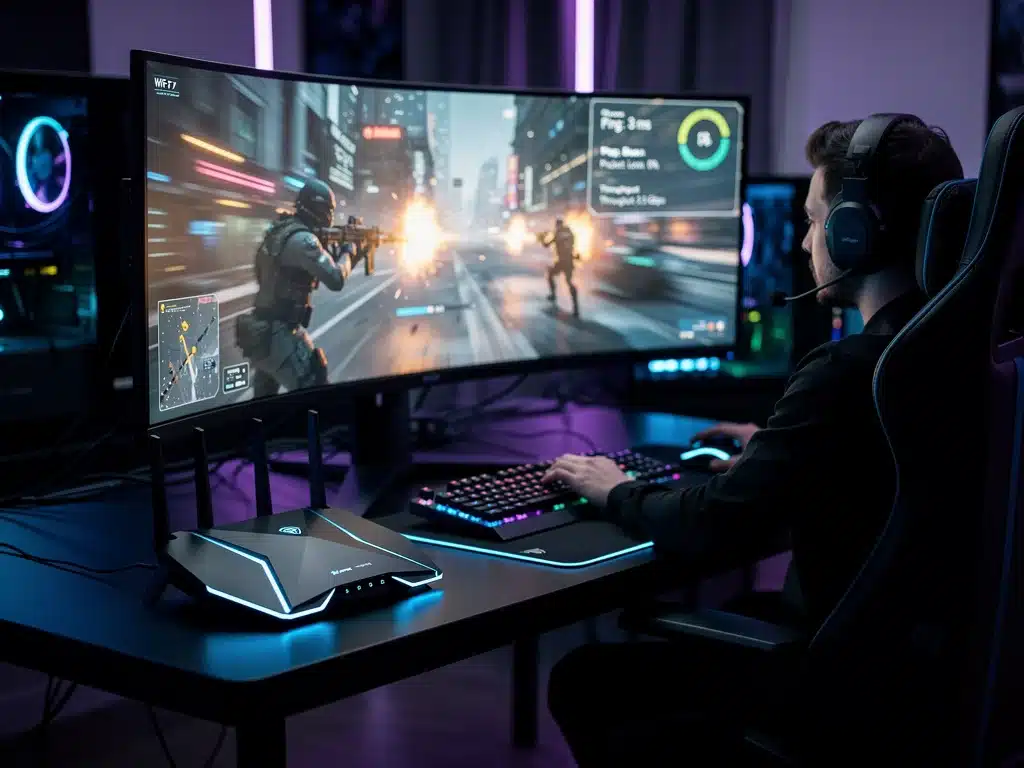
The landscape of online gaming is rapidly evolving, with significant advancements in network technology. This report delves into how Wi-Fi 7 routers are poised to transform the gaming experience by optimizing gaming network performance in 2026, targeting a substantial 20% reduction in ping. We provide an in-depth analysis of current trends and future outlooks for competitive gamers.
Gaming networks are now a critical discussion within the gaming community, as technological advancements promise unprecedented improvements. This report outlines the current state and future trajectory of gaming connectivity, focusing on the transformative role of Wi-Fi 7. It aims to provide gamers with clear, actionable insights into achieving a significant reduction in ping and enhancing their online experience.
The advent of Wi-Fi 7, also known as 802.11be or Extremely High Throughput (EHT), marks a pivotal moment for digital entertainment. Gamers, professional and casual alike, constantly seek any edge to improve their performance, and network latency remains a primary concern. This technology is expected to redefine what’s possible in terms of speed, reliability, and responsiveness for online gaming.
Understanding the core capabilities of Wi-Fi 7 is essential for anticipating its impact on gaming. This standard introduces several key innovations designed to minimize interference, maximize bandwidth, and ultimately deliver a smoother, more consistent connection. These features directly address the long-standing challenges of network instability and high ping that have plagued online multiplayer experiences.
Advertisements
The Dawn of Wi-Fi 7: A Game Changer for Latency
The introduction of Wi-Fi 7 is not merely an incremental upgrade but a revolutionary leap in wireless technology, specifically engineered to meet the demands of high-bandwidth, low-latency applications like online gaming. This new standard builds upon its predecessors by introducing a suite of innovations that directly target the reduction of network bottlenecks. Gamers are now looking at a future where wireless connections can rival, and in some cases surpass, the performance of traditional wired setups.
Key features such as 320 MHz channels, 4096-QAM modulation, and Multi-Link Operation (MLO) are at the heart of Wi-Fi 7’s promise. These technical enhancements translate directly into faster speeds, increased capacity, and, most crucially for gamers, significantly lower latency. The goal of optimizing gaming network performance with Wi-Fi 7 is to create an environment where ping spikes become a relic of the past, ensuring a consistently smooth and responsive gaming experience.
The industry consensus indicates that widespread adoption of Wi-Fi 7 hardware, particularly routers, will accelerate rapidly throughout 2025 and into 2026. This timeline aligns perfectly with the increasing demand for seamless online interactions, pushing manufacturers to integrate these advanced capabilities into their next-generation devices. Competitive gaming, in particular, stands to benefit immensely from these developments.
Understanding Wi-Fi 7’s Core Technologies for Gaming
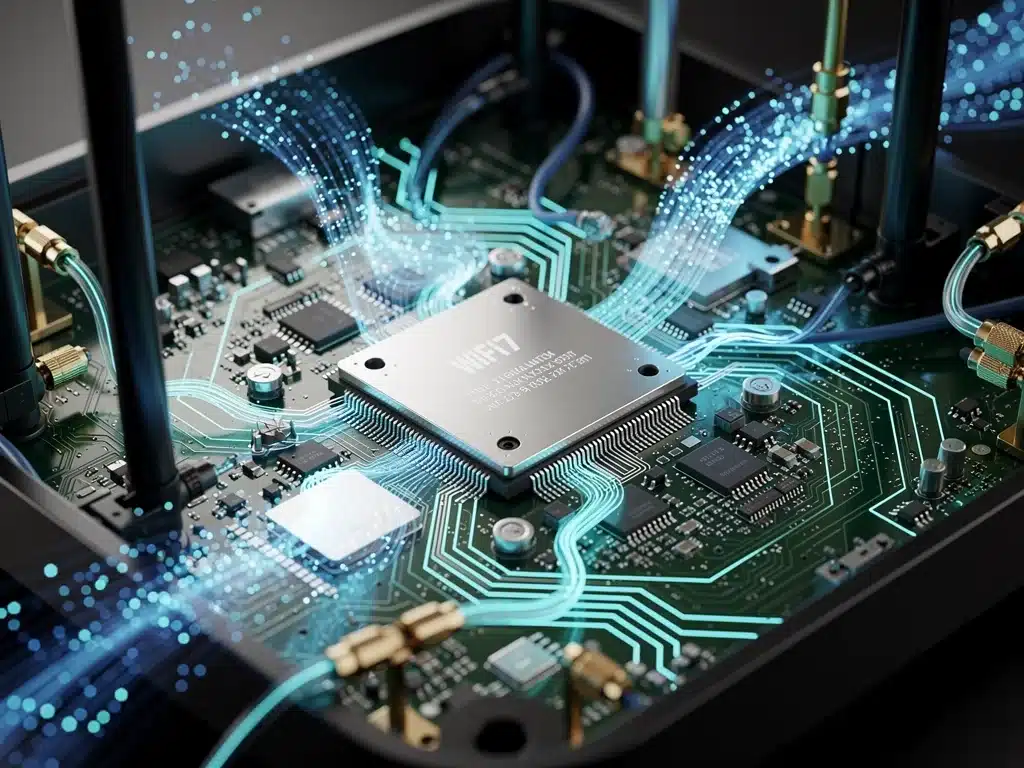
Wi-Fi 7 incorporates several groundbreaking technologies that directly contribute to its superior performance, especially for latency-sensitive applications like gaming.
These innovations work in concert to deliver a more robust and efficient wireless connection, which is paramount for optimizing gaming network integrity. Gamers need to grasp these fundamental changes to fully appreciate the potential benefits.
One of the most significant advancements is the expansion to 320 MHz channels in the 6 GHz band, effectively doubling the bandwidth available compared to Wi-Fi 6E.
This wider highway allows for more data to be transmitted simultaneously, reducing congestion and speeding up packet delivery. For an optimized gaming network, this means less waiting for critical game data to travel between your device and the server.
Multi-Link Operation (MLO) Explained
Multi-Link Operation (MLO) is a standout feature that allows Wi-Fi 7 devices to simultaneously send and receive data across different frequency bands (2.4 GHz, 5 GHz, and 6 GHz). This capability not only increases bandwidth but also enhances reliability by enabling dynamic channel switching. If one band experiences interference, data can seamlessly transition to another, maintaining a stable connection and further optimizing gaming network performance.
- Enhanced Reliability: MLO minimizes packet loss by utilizing multiple bands, ensuring a more consistent data flow.
- Increased Throughput: Combining bandwidth from different bands significantly boosts overall data transfer rates.
- Reduced Latency: The ability to switch channels dynamically helps avoid congested airwaves, leading to lower and more stable ping.
Another crucial element is 4096-QAM (Quadrature Amplitude Modulation), which allows for more data to be packed into each signal. This higher data density translates into faster speeds and improved efficiency, directly contributing to a snappier online experience. When combined with OFDMA (Orthogonal Frequency Division Multiple Access), Wi-Fi 7 ensures that multiple devices can share the network more efficiently without significant performance degradation.
The Impact on Ping: Achieving a 20% Reduction
The collective impact of Wi-Fi 7’s technological advancements is projected to deliver a substantial reduction in ping, with estimates suggesting a potential 20% decrease for many users. This is a critical metric for competitive gaming, where every millisecond can determine the outcome of a match. Achieving such a reduction would fundamentally alter the competitive landscape and elevate the standard for online play.
Lower ping directly correlates with a more responsive and fluid gaming experience. Actions taken by the player are registered by the game server with minimal delay, eliminating the frustrating feeling of lag. This improvement is not just about raw speed; it’s about the consistency and predictability of the connection, which Wi-Fi 7 is designed to provide through its advanced error correction and traffic management features.
Industry experts and early testers have reported promising results, with many noting a measurable drop in latency when utilizing Wi-Fi 7 hardware in optimized environments. While individual results may vary based on specific network conditions and internet service providers, the foundational technology is clearly geared towards minimizing delay. This makes optimizing gaming network setups with Wi-Fi 7 a top priority for serious gamers.
Setting Up Your Network for Optimal Wi-Fi 7 Performance
To fully capitalize on the benefits of Wi-Fi 7 for gaming, proper network setup and configuration are essential. Simply acquiring a Wi-Fi 7 router is the first step; optimizing the entire network ecosystem ensures maximum performance and the lowest possible ping. This involves strategic placement, proper channel selection, and ensuring all connected devices are compatible with the new standard.
Router placement is paramount; ideally, the Wi-Fi 7 router should be centrally located within the gaming area, free from obstructions that could degrade signal strength.
Utilizing the 6 GHz band, while offering the highest speeds and lowest interference, has a shorter range and is more susceptible to physical barriers. Therefore, careful consideration of the router’s position is crucial for an optimized gaming network.
Router Placement and Channel Optimization
Strategic router placement minimizes signal degradation and maximizes throughput, especially for the 6 GHz band. Avoiding physical obstacles like thick walls or large appliances can significantly improve signal quality. Experimenting with different locations can yield substantial improvements in overall network stability and speed.
- Central Location: Place the router in an open area, equidistant from all primary gaming devices.
- Elevated Position: Mount the router higher up to improve signal propagation and reduce floor-level interference.
- Interference Avoidance: Keep the router away from other electronics that emit wireless signals, such as microwaves or cordless phones.
Configuring your Wi-Fi 7 router for optimal performance also involves selecting the least congested channels and enabling Quality of Service (QoS) settings. QoS prioritizes gaming traffic over other network activities, ensuring that critical game data receives preferential treatment.
This intelligent traffic management is vital for maintaining low ping and preventing bandwidth saturation during peak usage times, making it a cornerstone of optimizing gaming network performance.
The Role of Gaming-Specific Wi-Fi 7 Routers
As Wi-Fi 7 technology matures, manufacturers are increasingly developing gaming-specific routers designed to offer specialized features beyond standard connectivity. These devices often include advanced hardware and software optimizations tailored to the unique demands of online gaming, promising an even greater edge in terms of latency and stability. Investing in such a router can significantly contribute to optimizing gaming network capabilities.
These specialized routers frequently boast more powerful processors, increased RAM, and advanced antenna designs to handle high-bandwidth traffic and multiple simultaneous connections without compromising performance. They are built to withstand the rigorous demands of competitive gaming, where consistent, low-latency performance is non-negotiable. This dedicated engineering helps to ensure that your gaming experience remains uninterrupted and highly responsive.
Many gaming-focused Wi-Fi 7 routers also come equipped with advanced software features such as dedicated gaming ports, adaptive QoS, and geo-filtering. These tools allow gamers to fine-tune their network settings, prioritize specific devices or applications, and even connect to game servers closer to their physical location to reduce ping. Such comprehensive control is invaluable for those serious about optimizing gaming network efficiency.
Beyond the Router: End-to-End Network Optimization
While a Wi-Fi 7 router is a cornerstone for an optimized gaming network, true end-to-end network optimization extends beyond the router itself.
It involves evaluating and upgrading every component in the network chain, from the internet service provider (ISP) connection to the gaming device’s network adapter. A weak link anywhere in this chain can negate the benefits of even the most advanced Wi-Fi 7 setup.
Ensuring your ISP provides a stable, high-speed connection with low latency is fundamental. Even with the best Wi-Fi 7 router, a poor internet connection from your provider will limit overall performance.
Gamers should investigate fiber optic connections or other high-bandwidth options available in their area. Regularly testing your internet speed and ping to various game servers can help identify potential ISP-related issues.
Upgrading Network Adapters and Ethernet Backhaul
For gaming PCs, ensuring the network adapter is Wi-Fi 7 compatible is crucial to fully leverage the router’s capabilities. Many modern gaming laptops and desktop motherboards now include Wi-Fi 7 adapters, but older systems may require an upgrade.
For consoles and stationary PCs, a wired Ethernet connection remains the gold standard for minimal latency, even with Wi-Fi 7’s advancements, especially for the backhaul connection to the router.
- Wi-Fi 7 Adapters: Ensure your gaming device has a compatible Wi-Fi 7 adapter to utilize the new standard’s full potential.
- Ethernet Backhaul: For stationary gaming setups, a high-quality Ethernet cable connecting your device directly to the router provides the most stable and lowest latency connection.
- Mesh Wi-Fi Systems: For larger homes, a Wi-Fi 7 mesh system can ensure consistent, strong signal coverage throughout, eliminating dead zones that can cause ping spikes.
Furthermore, maintaining updated firmware on all network devices, including the router and gaming console/PC network drivers, is essential.
Manufacturers frequently release updates that improve performance, enhance stability, and patch security vulnerabilities. Regular maintenance of your network hardware and software contributes significantly to sustaining an optimized gaming network over time.
Future Outlook: Wi-Fi 7 and Beyond for Gaming
Looking ahead to 2026 and beyond, Wi-Fi 7 is set to become the dominant wireless standard, profoundly impacting the gaming industry. The continued evolution of network technology promises even more immersive and responsive online experiences. The foundation laid by Wi-Fi 7 will pave the way for future innovations, further reducing latency and enhancing bandwidth for gaming and other demanding applications.
The widespread adoption of Wi-Fi 7 will also accelerate the development of cloud gaming platforms, making them indistinguishable from local play. With ultra-low latency connections, streaming games from remote servers will become a seamless experience, removing the need for powerful local hardware for many gamers. This shift could democratize access to high-fidelity gaming, opening up new possibilities for the industry.
Researchers are already exploring the next generation of wireless technologies, building upon the principles established by Wi-Fi 7. These future standards will likely continue to push the boundaries of speed, capacity, and latency reduction, ensuring that the quest for an optimized gaming network remains an ongoing pursuit. The focus will remain on delivering an imperceptible connection, where the network disappears into the background, leaving only the game itself.
Challenges and Considerations for Adoption
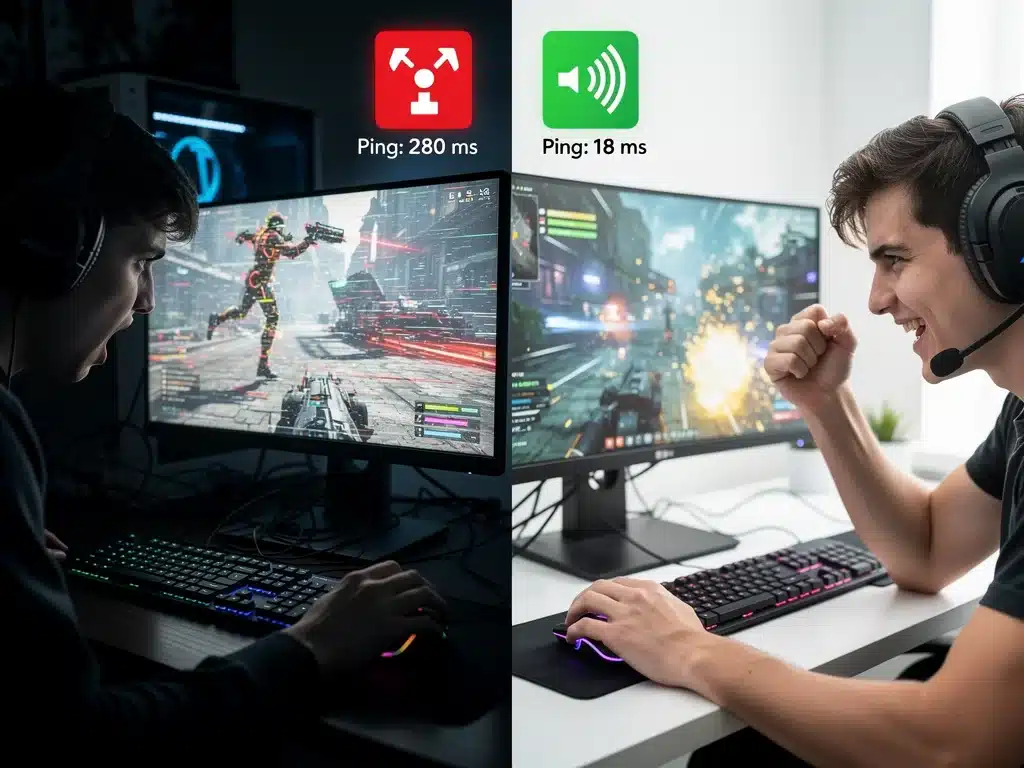
While the benefits of Wi-Fi 7 for optimizing gaming network performance are clear, certain challenges and considerations accompany its adoption. These factors include the cost of new hardware, ensuring compatibility across devices, and the need for consumers to understand and properly configure the new technology. Addressing these aspects is crucial for a smooth transition and widespread integration.
The initial investment in Wi-Fi 7 routers and compatible devices can be substantial, potentially acting as a barrier for some users. As with any new technology, prices are expected to decrease over time, but early adopters will face higher costs. This economic factor is a significant consideration for gamers looking to upgrade their entire network setup to achieve optimal performance.
Compatibility is another key consideration; not all existing devices will be able to fully leverage Wi-Fi 7’s capabilities. While Wi-Fi 7 is backward compatible with older Wi-Fi standards, to experience the full benefits, both the router and the client device (e.g., gaming PC, console) must support Wi-Fi 7. This often necessitates upgrading multiple components, adding to the overall cost and complexity of optimizing gaming network infrastructure.
Real-World Performance and User Experiences
Anecdotal evidence and early testing indicate that real-world performance gains from Wi-Fi 7 are significant, particularly in environments designed to minimize interference and maximize bandwidth. Gamers who have upgraded to Wi-Fi 7 routers report noticeable improvements in ping stability and overall responsiveness. These positive user experiences underscore the potential of the new standard for optimizing gaming network setups.
Reports from competitive gamers highlight how consistent, low ping can translate into a tangible competitive advantage, allowing for quicker reactions and more precise inputs. The reduction in frustrating lag spikes and connection drops means a more enjoyable and fair gaming experience. This feedback is crucial for understanding the practical impact of Wi-Fi 7 beyond theoretical specifications.
However, it is also important to note that individual experiences can vary widely based on factors such as internet service provider quality, network congestion, and the specific gaming title being played. While Wi-Fi 7 provides a robust foundation for an optimized gaming network, it is not a magic bullet. Users must still ensure their entire network chain is optimized to fully realize the promised ping reductions.
| Key Point | Brief Description |
|---|---|
| Wi-Fi 7 Technology | Next-gen wireless standard (802.11be) with 320 MHz channels and MLO for enhanced performance. |
| Ping Reduction Goal | Targeting a 20% reduction in gaming ping through advanced network optimization. |
| Optimized Gaming Network | Requires Wi-Fi 7 routers, compatible devices, and proper network configuration. |
| Future Impact | Set to revolutionize cloud gaming and overall online gaming experiences by 2026. |
Frequently Asked Questions About Gaming Network Optimization
The primary benefit of Wi-Fi 7 for gamers is significantly reduced latency (ping), leading to a more responsive and fluid online experience. Its advanced features like 320 MHz channels and MLO are specifically designed to minimize network delays and maximize data throughput, crucial for competitive gaming.
Industry projections and early tests suggest gamers can expect up to a 20% reduction in ping by optimizing gaming network infrastructure with Wi-Fi 7. Actual results may vary depending on your internet service provider, network configuration, and overall environmental factors.
Yes, to fully utilize Wi-Fi 7’s capabilities and achieve optimal gaming performance, you will need a Wi-Fi 7 compatible router and a gaming device (PC, console, or laptop) that also supports the Wi-Fi 7 standard. Older devices will not be able to leverage the new features.
MLO allows Wi-Fi 7 devices to use multiple frequency bands simultaneously, increasing bandwidth and improving reliability. For gaming, this means a more stable connection, reduced packet loss, and lower latency, as data can seamlessly switch to the best available band, further optimizing gaming network performance.
Beyond Wi-Fi 7, ensure you have a high-speed, low-latency internet plan from your ISP. Use Ethernet for stationary gaming devices, keep router firmware updated, and configure Quality of Service (QoS) settings to prioritize gaming traffic. Proper router placement also plays a crucial role in optimizing gaming network efficiency.
What this means for the future of gaming
The advancements brought by Wi-Fi 7 represent a significant leap forward in network technology, fundamentally changing how gamers experience online play.
Achieving a 20% reduction in ping is not just a technical milestone; it translates into a more equitable and immersive competitive environment. This evolution reinforces the importance of an optimized gaming network as a core component of high-performance gaming setups.
As 2026 approaches, the widespread adoption of Wi-Fi 7 routers will set new benchmarks for connectivity, pushing both hardware manufacturers and internet service providers to innovate further.
This ongoing push for lower latency and higher bandwidth will continue to reshape the entire gaming ecosystem. Gamers should stay informed on these developments to maintain their competitive edge and ensure the best possible online experience.